Spacebar Clicker & Counter
How fast can you hit the spacebar? Select a time limit below, start tapping the physical spacebar on your keyboard, and discover your true tapping speed (HPS).
What is the Spacebar Clicker?
The Spacebar Clicker, widely known as the spacebar counter or spacebar speed test, is an engaging online tool designed to measure exactly how many times you can press the spacebar key on your keyboard within a specific time limit. It has gained immense popularity among gamers, typists, and people looking to participate in social media speed challenges (like TikTok trends).
Our tool accurately calculates your speed in HPS (Hits Per Second). The moment you press the spacebar for the first time, the timer starts automatically. You can choose different challenge durations ranging from a lightning-fast 1 second to a grueling 100-second endurance test.
💡 Pro Tip: Beware of Hardware Limitations
If you feel you are pressing the spacebar incredibly fast but the counter isn't registering every hit, your keyboard might be suffering from a low polling rate or input delay. You can verify your hardware's actual response time using our Keyboard Latency Test.
How to Calculate Spacebar Speed (HPS)?
Your performance is quantified using the HPS metric. The formula is simple:
HPS = Total Spacebar Hits ÷ Elapsed Time in Seconds
For instance, if you manage to hit the spacebar 65 times during a 10-second test, your final score will be exactly 6.50 HPS.
What is a Good Spacebar Clicks Per Second Score?
Curious about where you stand compared to the rest of the world? Based on global test data, we have categorized spacebar tapping speeds into different skill ranks:
| HPS Score Range | Rank Title | Player Profile |
|---|---|---|
| 0 - 4.9 HPS | Beginner (Turtle) | Using a single thumb at a casual, relaxed pace. |
| 5.0 - 7.9 HPS | Average (Rabbit) | Standard typing speed; using one hand with effort. |
| 8.0 - 10.9 HPS | Advanced (Cheetah) | Gamers using both thumbs or the butterfly clicking technique. |
| 11.0+ HPS | God Tier (Sonic) | Elite speedrunners using professional mechanical keyboards. |
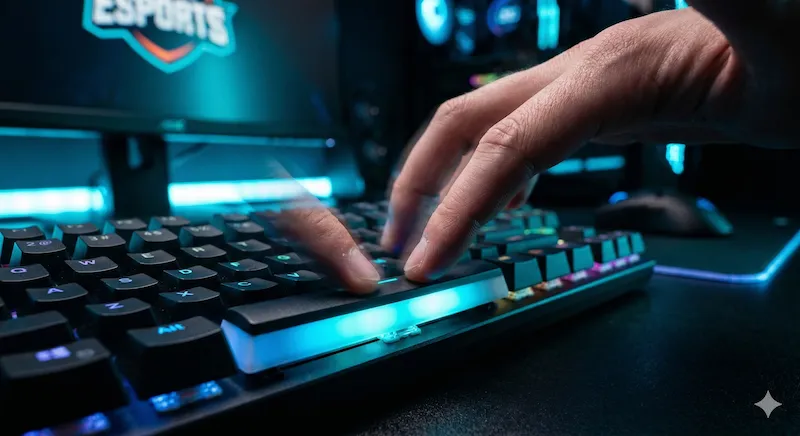
How to Hit the Spacebar Faster?
If you are struggling to break past the 7 HPS barrier, the issue might be your technique or your hardware. Here are proven methods to boost your spacebar counter score:
-
1.Use Two Thumbs (Alternating): Instead of relying on one hand, position both thumbs over the spacebar and alternate tapping them rapidly like a drum roll.
-
2.The Butterfly Technique: Use your index and middle finger of the same hand. Slap the spacebar with your index finger, and immediately follow it with your middle finger.
-
3.Upgrade to a Mechanical Keyboard: Laptop membrane keyboards have long travel distances and slow return times. A mechanical keyboard with linear switches (like Cherry MX Silver or Red) will physically bounce back faster, allowing for higher click rates.
Frequently Asked Questions (FAQ)
What is a Spacebar Clicker?
A Spacebar Clicker, also known as a spacebar counter or speed test, is an online tool designed to calculate how many times you can press the spacebar key on your keyboard within a selected time limit (like 5, 10, or 60 seconds).
How is Spacebar Speed (HPS) calculated?
Your speed is calculated in HPS (Hits Per Second). It is determined by dividing the total number of valid spacebar presses by the total time elapsed in seconds. For example, 60 hits in 10 seconds equals an HPS score of 6.0.
What is a good spacebar click speed?
For average users, a speed of 5 to 7 hits per second is considered normal. Gamers and fast typists typically score between 8 to 11 hits per second. Anything above 11 HPS is exceptionally fast.
How can I tap the spacebar faster?
To increase your spacebar hitting speed, try using the "butterfly clicking" method with your index and middle fingers, or alternate using both thumbs quickly. Also, mechanical keyboards generally allow for faster actuation than membrane laptop keyboards.
Does holding down the spacebar count?
No. To ensure a fair speed test and prevent cheating, our tool only registers a hit when the physical spacebar is pressed and released. Holding the key down will only count as a single hit.