Code Typing Test Online
Challenge your muscle memory with real syntax. Select your preferred programming language below and start typing to measure your Code WPM.
Programmer Typing Test Explained
Welcome to the ultimate programmer typing test. Standard typing tests evaluate your speed using the 100 most common English words, entirely ignoring capital letters and punctuation. While this is great for secretaries, it is virtually useless for a software engineer. Writing code requires entirely different muscle memory. You must frequently stretch your fingers to hit brackets [] {}, backslashes \, mathematical operators = + -, and precise tab indents. Our tool forces you to type raw, authentic syntax to measure your true coding speed.
The Shift-Key Bottleneck
In standard English typing, your pinky fingers rarely use the Shift key outside of the beginning of a sentence. In programming, especially in languages with camelCase or PascalCase naming conventions, your pinky is constantly engaged. This test helps you train your pinky stamina to prevent RSI (Repetitive Strain Injury) during long coding sessions.
Python, Java, TypeScript & Shell Practice
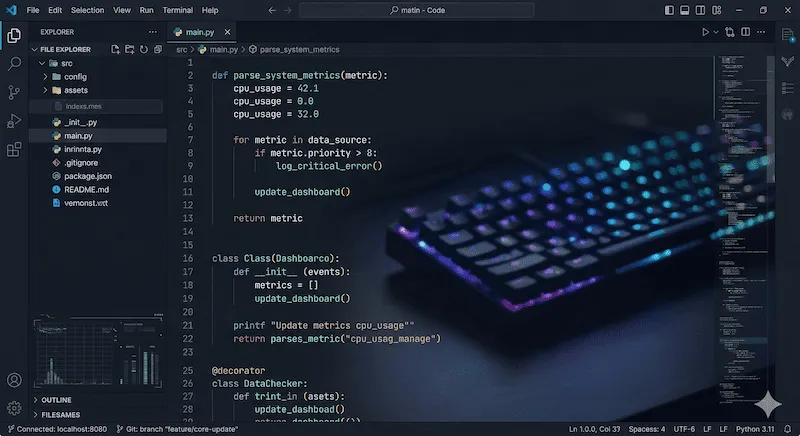
We designed our code typing test online engine to utilize real-world snippets from the most popular programming languages. You can switch between them using the tabs above:
- Python (`main.py`): Python enforces strict whitespace and indentation rules (PEP 8). When taking this test, you must hit the Spacebar precisely to match the indents before typing the next command.
- Java (`App.java`): Heavy on boilerplate, curly braces `{}`, and camelCase methods. Perfect for enterprise developers.
- TypeScript (`index.ts`): Modern web development syntax, testing your speed with arrow functions `=>`, backticks, and colons `:`.
- Shell (`deploy.sh`): Tests your Linux server administration speed, heavily relying on hyphens `-`, slashes `/`, and dollar signs `$`.
Coding Typing Speed Test vs Standard WPM
If you usually score 100 WPM on a standard English typing test, do not be discouraged if you struggle to break 50 WPM on this coding test. Because code contains so many special characters that require modifier keys (Shift/Alt), your Keystrokes Per Minute (KPM) might remain high, but your calculated Word Per Minute (WPM) will drop significantly.
| Typist Level | Standard English WPM | Expected Code WPM |
|---|---|---|
| Beginner Student | 40 - 50 WPM | 15 - 25 WPM |
| Average Developer | 60 - 80 WPM | 35 - 45 WPM |
| Senior Engineer (10x Coder) | 100 - 120+ WPM | 60 - 75+ WPM |
If you find that certain keys (like the Spacebar or Shift key) are failing to register when pressed rapidly during this test, you might be experiencing hardware switch bounce. We highly recommend diagnosing your keyboard using our Keyboard Chattering Test.
Frequently Asked Questions (FAQ)
What is a code typing test?
A code typing test evaluates your typing speed (WPM) and accuracy using real programming languages instead of standard English words. It forces you to practice the muscle memory needed for brackets, semicolons, and syntax indentation.
Why is my coding WPM lower than my normal WPM?
It is completely normal for your coding WPM to be 20% to 30% lower than your standard WPM. Programming syntax requires frequent use of the Shift key, numbers, and hard-to-reach symbol keys which naturally slows down your physical keystrokes.
How can I improve my Python typing practice?
To improve in Python, focus on accurately hitting the colon (:) key, parentheses (), and mastering the use of the Spacebar for exact indentation blocks (usually 4 spaces per indent level). Ensure your keyboard has low latency for optimal feedback.
Educational References
The code snippets utilized in this test are standardized algorithms widely taught in computer science curriculums. The WPM calculation formula (Total Characters / 5) / Time strictly adheres to the international typing speed standard. For learning standard touch typing before attempting code, visit educational resources like TypingClub.